












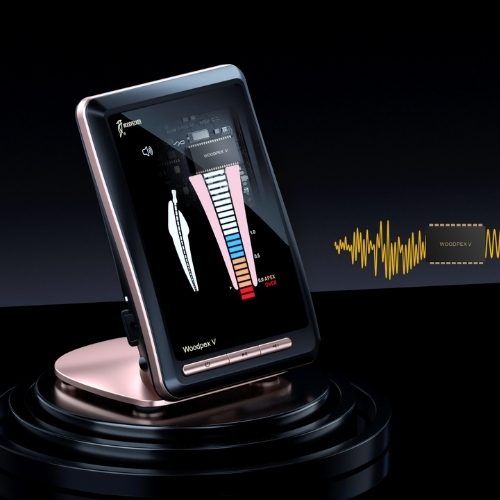
Woodpecker Woodpex V - Kehittynyt monitaajuinen apexpaikannin
210,00 € ilman alv.
 EU-toimitus 3-7 työpäivää
 Maailmanlaajuinen toimitus 7-15 päivää
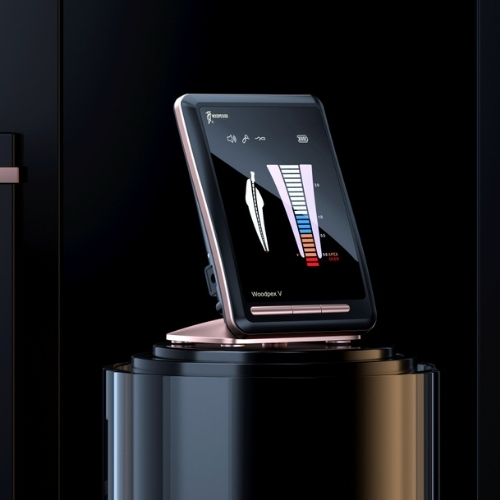
 Woodpecker Woodpex V - Kehittynyt monitaajuinen apexpaikannin
The Woodpecker Woodpex V utilizes advanced multi-frequency impedance measurement technology to guarantee maximum precision in every clinical circumstance. This system is engineered to provide stable and reliable measurements regardless of the environment inside the root canal. Whether the canal is dry or filled with irrigants, the Woodpex V provides the accuracy required to ensure safe and predictable endodontic outcomes.
| Mitat | 84 x 88 x 112mm |
| Ladattava akku | 3.6V / 750mAh |
| Kulutus | 0.5W |
| Yksikkö Paino | 336g |
Accurate Eliminate Interference
Inherit multi-frequency apex positioning technology
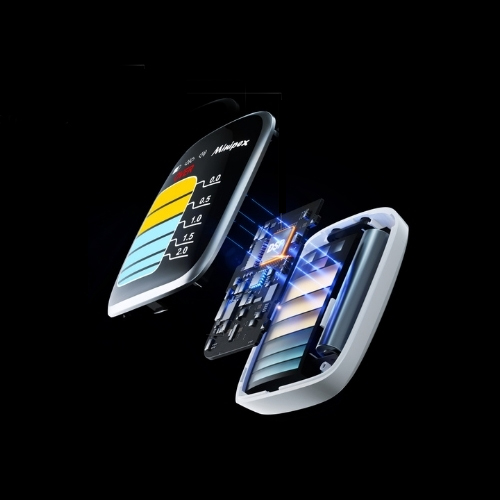
Add DSP data processing system
Combined with clinical big data fitting, it can ensure accurate measuring even there are residual pulp and blood in the root canal.

New digital circuit Industry recognized U.S. central processing chip
Information processing speed increasedby17%
Adopt high precision components imported from Japan,
High resolution signal without distortion
Automatic calibration during 0.5s booting

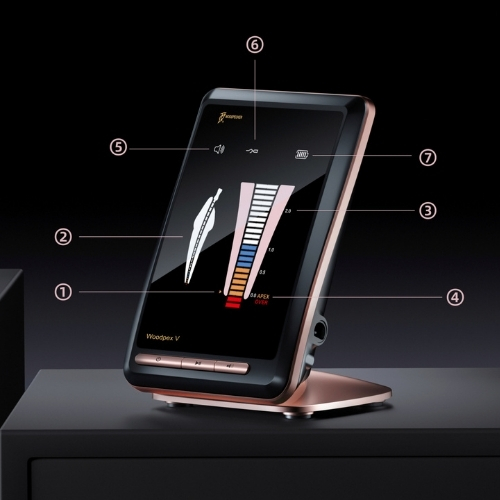
Preset apical stop
1 Preset apical stop
Preset position for root canallength measurement
Can be set within the range of 0.0~ 1.0
2 Root canal length indicator strip 1
Working whenthe file isin the root canal
3 Root canal length indicator strip 2
Working since the file reaches apical 1/3
4 Alarm prompt volume setting
OFF, Low, Medium, High
5 Short-circuit test reminder
When the file clip is short-circuited with the lip hook, ifthe icon is lit,the connection is good.
6 Battery level

Display The File Position In The Root Canal
Insert the file into the root canal, and the root canal length indicator strip 1 will display accordingly. with the advancement of the file the root canal length indicator bar will also display accordingly When the file reaches apical 1/3, the root canal length indicator strip 2 starts to display, and there are intermittent low-frequency “beep” sound prompts.
When the tip of the file reaches the preset position of the apex stop,there is a continuous high-frequency “beep” sound prompt. “00” means that the file reaching the apical hole. If the tip of the file exceeds the APEX position and enters the red area, it exceeds the a pical foramen.

Black Gold Love At First Sight
Optimized and upgraded LCD display enables brighter color
The light source is evenly distributed without glare
Charming appearance of mysterious dark and the rosy gold

Clear View And Sound&Apical Stop Setting
Zoom in on the apical 1/3 narrow part
Subdivision from 11-19
More accurate and intuitive measurement trajectory, effectively preventing perforation
When the file is less than 2mm from the apical foramen, there will be intermittent low frequency beeps prompt.
When the file approaches the apical foramen, the sound gradually rushed.
When the file reaching the preset position of the apex, there will be continuous high-frequency beeps prompt.
The sound level can be adjusted, and the position can be distinguished by sound, making measurement easier.
Add the apical stop alarm function
The alarm position can be adjusted freely according to clinical needs
Flexible setting, timely remind to measure distance
Reposition the display location of 0.5mm from the apical foramen

Multi-configuration
Tutustu myös


Apex-paikantimet
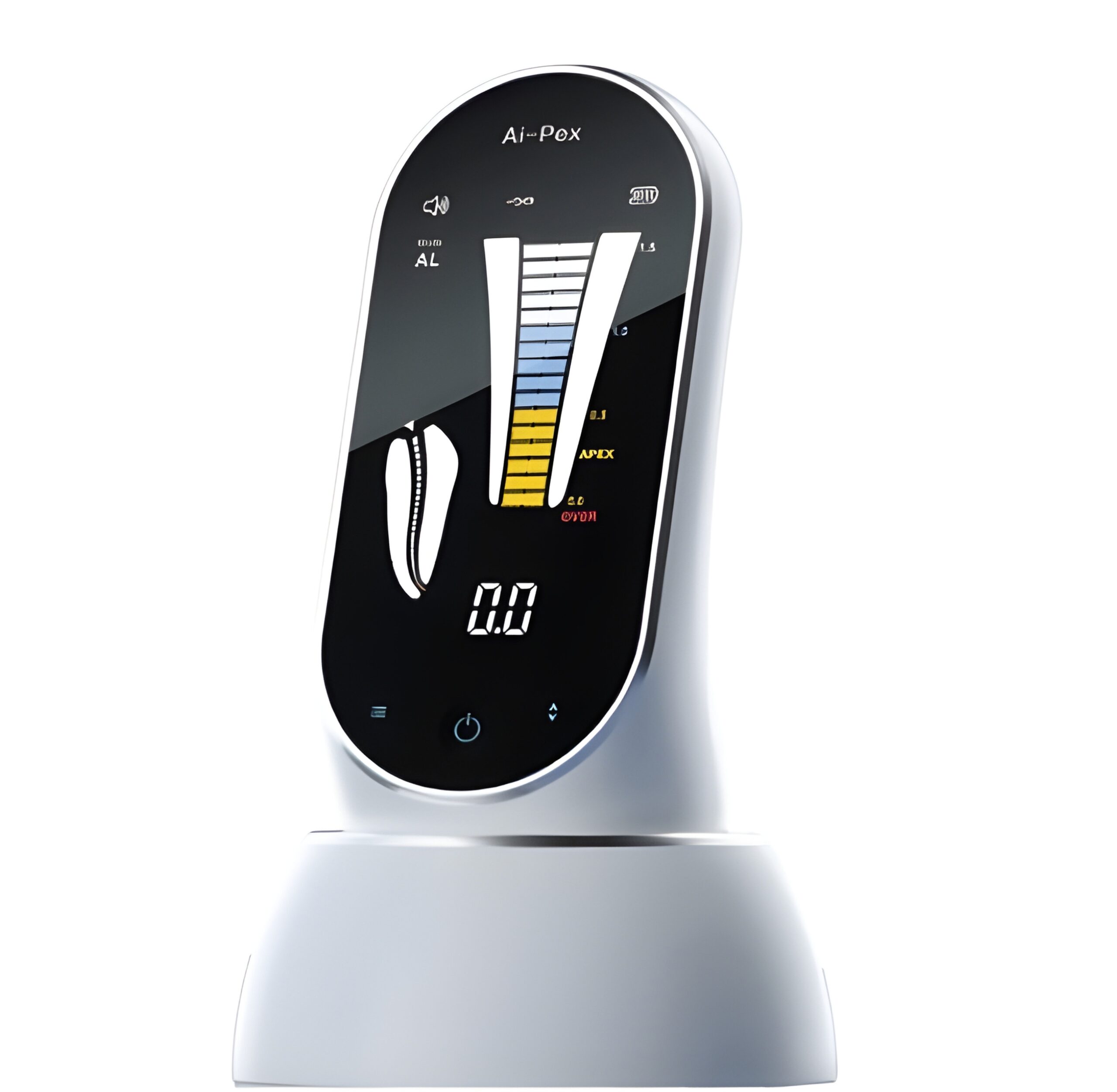
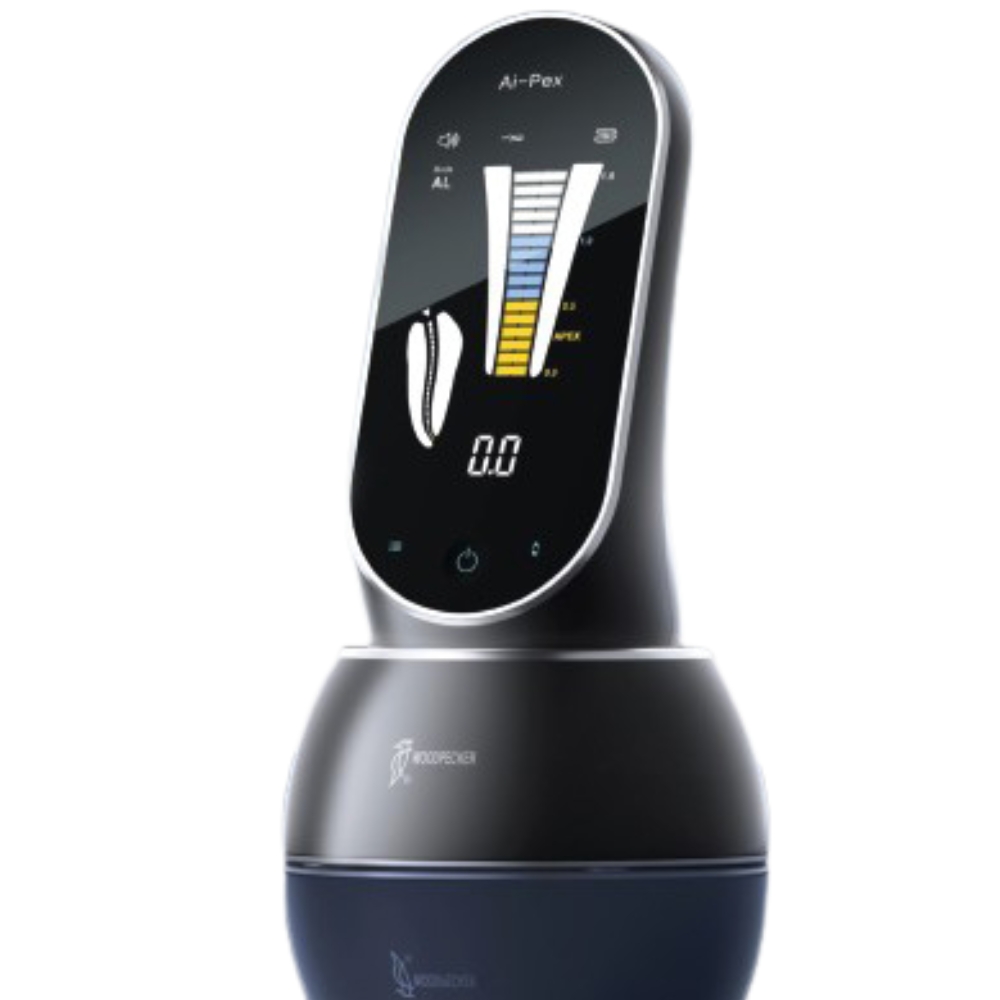
Woodpecker Minipex - erittäin kannettava kompakti apex-paikannin
189,00 € ilman alv.